A lost master key can create far more disruption than most offices expect. It may mean changing several locks, issuing fresh keys and wondering who can still enter the building. Office access control systems give businesses a more practical way to manage who comes in, where they can go and what happens when a member of staff leaves.
For an office in Reading, Wokingham or elsewhere across Berkshire, the right arrangement does not need to be complicated. It needs to suit the building, the number of users and the way your team works. A small office with one main entrance has very different requirements from a multi-floor workplace with meeting rooms, stock areas and restricted IT equipment.
What an access control system actually does
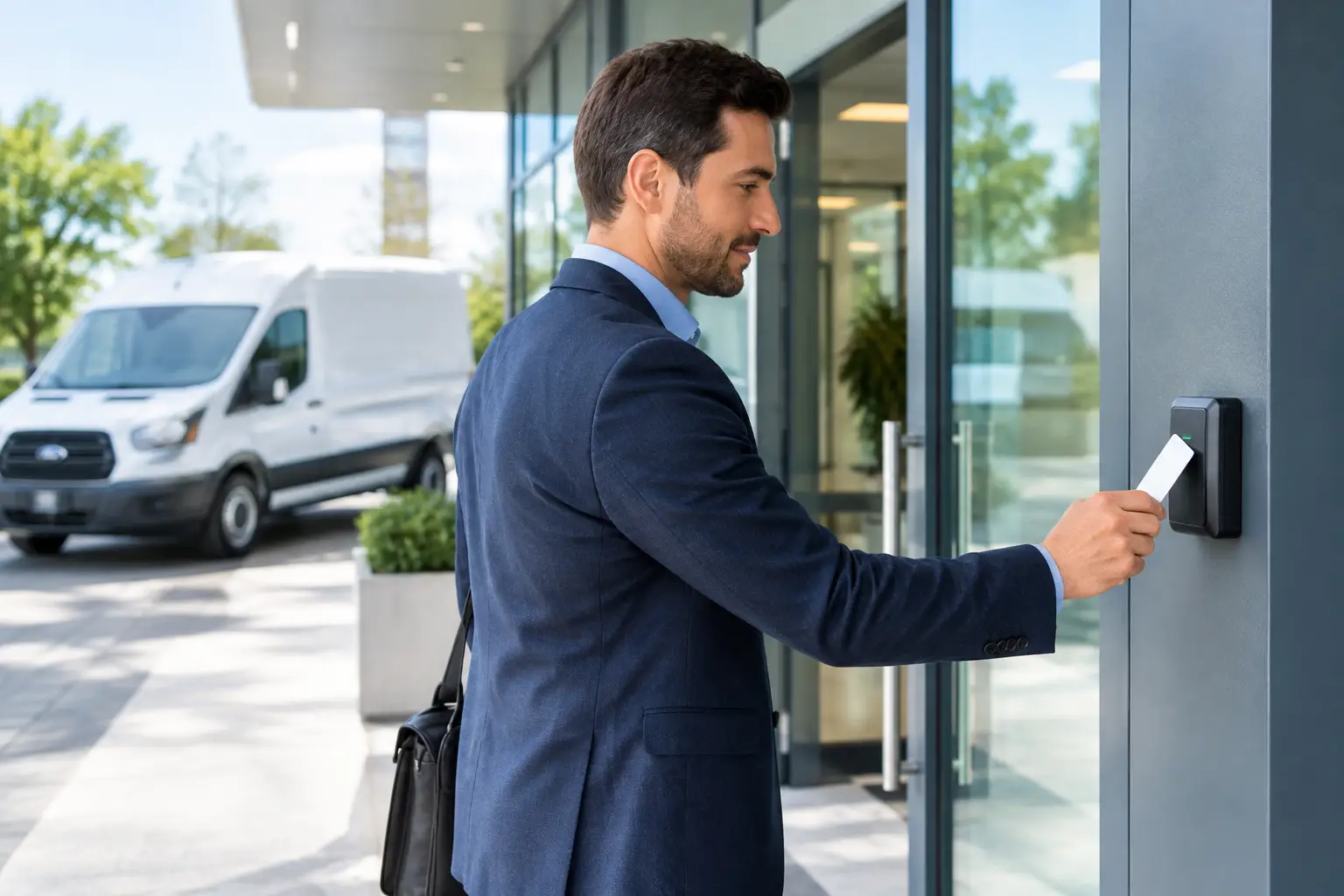
At its simplest, access control replaces or supports a traditional key system. Rather than handing out physical keys to everyone, you give authorised people a fob, card, PIN code, mobile credential or biometric identifier. The system then decides whether that person can open a particular door at a particular time.
This gives a business much more control than a standard key can offer. If a fob is lost, it can usually be removed from the system straight away rather than requiring a lock change. When someone leaves, their access can be cancelled. You can also limit access to areas such as server rooms, stores, staff-only offices or records cabinets without issuing a separate key for every door.
Some systems retain an event record showing when a door was opened and by which credential. That can help with investigating an incident, managing deliveries or checking access outside normal working hours. It should not be treated as a substitute for good management or proper building security, but it can give a useful and clear picture when something goes wrong.
Start with the doors, not the technology
It is easy to get distracted by phone apps, fingerprint readers and online dashboards. The first question should be much simpler: which doors need controlling, and why?
Your main entrance may need reliable day-to-day access for staff and a way to admit visitors. A rear door may need to remain secure at all times. A director’s office, a stock room or an IT cupboard might only need access for a small group. Once those points are clear, the right system becomes easier to specify.
The door itself matters as much as the reader on the wall. A timber door, aluminium shopfront door, uPVC entrance, glass door and fire door may each need different locking hardware. The frame, hinges, closer and existing lock condition all affect whether an electric strike, magnetic lock or other solution is suitable.
A poorly aligned door will still cause trouble even with expensive access control fitted to it. If it has to be pushed or pulled hard before a latch catches, deal with the underlying door and lock issue first. Reliable access begins with a door that closes, locks and releases properly.
Do not compromise fire safety
Any electronically controlled exit route must allow people to leave safely in an emergency. This is not an area for guesswork or a quick fitting based only on convenience. The access control design must work with the building’s fire safety arrangements, including the fire alarm system where required, and comply with the responsibilities of the person managing the premises.
Your installer should assess how occupants will exit, what happens during a power failure and whether emergency release hardware is needed. This is particularly important for offices with several staff, shared corridors, public visitors or doors on escape routes.
Choosing credentials for your team
The best credential is usually the one people will use correctly without slowing down their working day. For many offices, fobs and proximity cards remain a sensible choice. They are familiar, straightforward to issue and easy to cancel when misplaced.
PIN pads can work well where staff do not need to carry an extra item, though codes must be changed when they become widely known or after a member of staff leaves. A shared code offers less accountability than an individual fob, so it is often better suited to low-risk internal doors than a main entrance.
Mobile access can be convenient for businesses where staff travel between sites or do not want another card in their pocket. It does, however, rely on mobile phones being charged and compatible, and the business needs a clear process for enrolling and removing users.
Biometric readers can prevent credentials being passed from one person to another, but they are not automatically the best answer. They cost more, need careful consideration around data protection, and may be unnecessary for a standard office. For most small and medium-sized businesses, properly managed individual fobs provide an excellent balance of control, cost and ease of use.
Think about the system after installation
A good access system is not simply fitted and forgotten. Someone in the business needs responsibility for adding starters, removing leavers, issuing replacement credentials and reviewing access rights from time to time. Without that routine, old fobs can remain active long after they should have been cancelled.
Keep a simple written process. When a staff member leaves, disable their credential on their final day, collect any fobs or cards and review whether they had access to sensitive areas. When a fob is reported lost, cancel it promptly rather than waiting to see if it turns up.
Consider who will manage the system if the usual office manager is on holiday or absent. A cloud-managed setup can make administration easier from different locations, while a local system may suit businesses that prefer control to stay on site. Neither is always better. The right choice depends on your IT support, the size of the premises and how often access permissions change.
If access records are kept, only collect what you genuinely need, restrict who can view them and set a sensible retention period. Staff should understand what information is being recorded and why. Clear policies protect the business as well as the people working in it.
Cost: where it makes sense to spend
The upfront cost of office access control systems depends on the number and type of doors, the locking hardware needed, cabling routes, fire safety requirements and whether you need central management. A single-door system can be relatively straightforward. Bringing several older doors into one managed system is a larger job, particularly if wiring needs to be concealed or the existing doors need repair.
It can be tempting to choose the lowest-priced equipment available, but the cost of unreliable access soon adds up. Staff stuck outside, doors failing to release, repeated callouts and insecure rear entrances all disrupt the business. Choose equipment that is appropriate for commercial use and make sure replacement fobs, batteries and support are readily available.
There is also a sensible middle ground. Not every internal cupboard needs an electronic reader. Mechanical locks may still be the most economical choice for low-risk areas, while the main entrance and sensitive rooms benefit most from managed access. A site survey should distinguish between security that is genuinely useful and unnecessary expense.
Signs your office has outgrown keys
Traditional keys are still suitable for some small premises, but they become difficult to manage when there are multiple holders, regular staff changes or several restricted areas. You may be ready to consider controlled access if keys have been lost repeatedly, you do not know how many copies exist, contractors need temporary entry, or different teams need different permissions.
Another common trigger is a change in the business. Perhaps you are moving into a larger office, taking on more staff, sharing a building with another company or storing higher-value equipment. Access arrangements should be reviewed whenever the use of the premises changes, not only after a break-in or an awkward lost-key incident.
Get the installation checked properly
A proper assessment looks beyond the reader and the fob. It considers the condition of each door, the lock case, the door closer, emergency egress, power supply, cabling, user numbers and how visitors will be handled. It should also leave you with a clear explanation of what happens during a power cut and who to call if a door develops a fault.
For businesses across Berkshire and the Thames Valley, Lock Solutions can assess the practical locking and door-security side of an access control installation, including the repairs needed to make a troublesome door reliable before new hardware is added. You should always know what work is proposed and why before it begins.
The most useful system is rarely the one with the most features. It is the one your team can use confidently, your manager can maintain easily and your doors can dependably support every working day.